



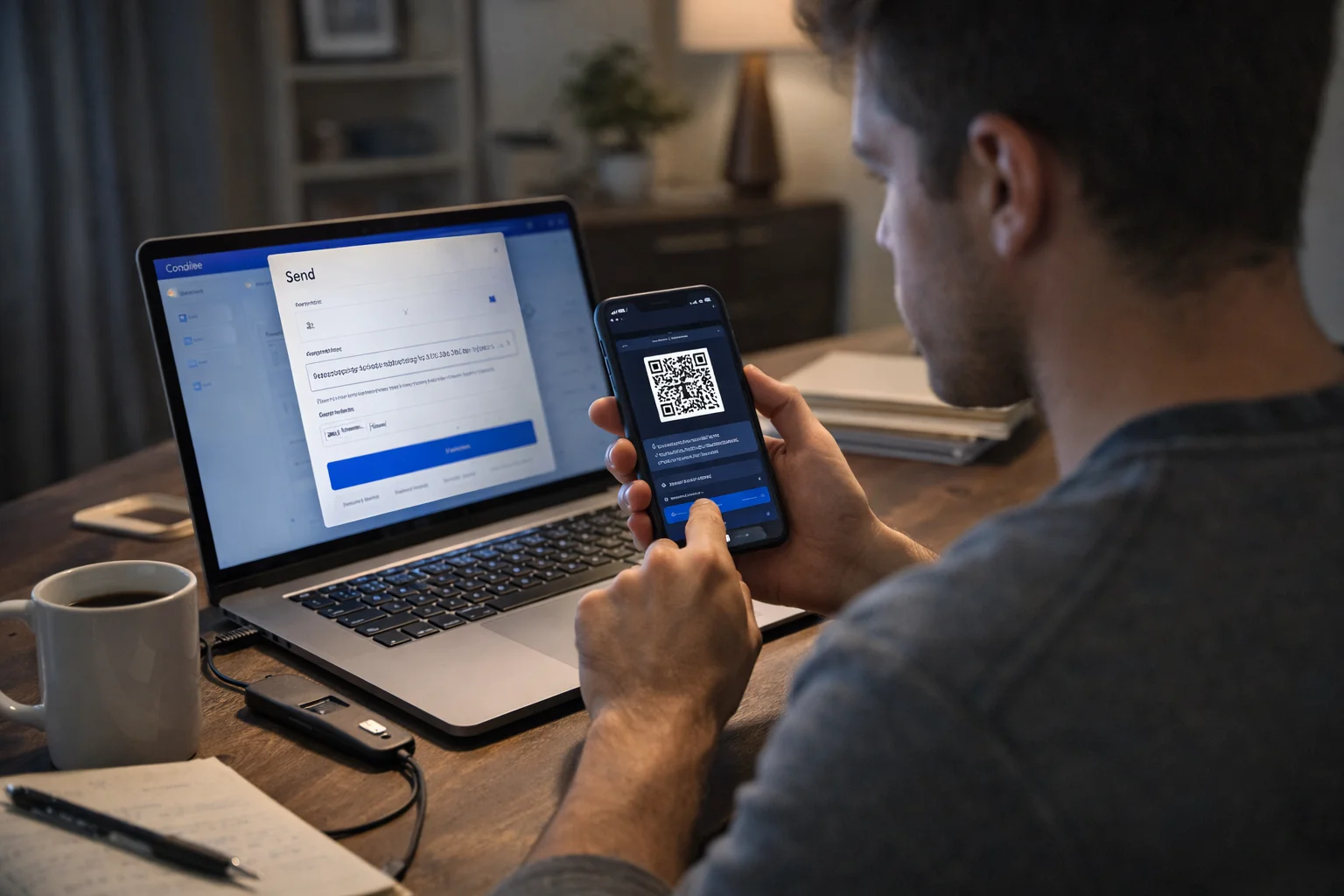
Moving crypto from Coinbase to a wallet involves copying the receiving wallet address, opening Coinbase, selecting “Send & Receive”, choosing the cryptocurrency, and pasting the wallet address before confirming the transaction.
If the user is transferring to Coinbase Wallet, they can connect both accounts directly through Coinbase Pay. Before sending, it is important to choose the correct blockchain network, check the wallet supports the asset, and review any network fees. Once confirmed, the transfer is completed after the blockchain verifies the transaction.
Key Takeaways:
- Coinbase allows users to send cryptocurrency to external wallets, Coinbase Wallet and the Base app.
- The correct wallet address and blockchain network must always be selected.
- Coinbase itself does not usually charge a withdrawal fee, but blockchain network fees still apply.
- Transfers to Coinbase Wallet can be completed directly by linking both accounts.
- Crypto transfers cannot normally be reversed once sent.
- Delays may happen if Coinbase requires additional identity verification.
What Is the Difference Between Coinbase, Coinbase Wallet and the Base App?

| Feature | Coinbase Account | Coinbase Wallet | Base App |
| Main Purpose | Buy and sell crypto | Store crypto independently | Use the Base network |
| Controls Private Keys | Coinbase | User | User |
| Can Receive Crypto | Yes | Yes | Yes |
| Best For | Beginners | Long-term storage | Base ecosystem users |
Many people confuse Coinbase, Coinbase Wallet and the Base app because all three can be linked together. However, they serve different purposes.
Coinbase is an exchange where cryptocurrency can be bought, sold and stored. Coinbase Wallet is a self-custody wallet that gives the owner full control over private keys. The Base app is used to interact with the Base network and move assets between connected accounts.
Coinbase Exchange Account
A Coinbase account is an exchange account where users can purchase cryptocurrency using a bank card or bank transfer. The exchange stores the cryptocurrency on behalf of the user, which means Coinbase controls the private keys.
This setup is convenient for beginners because there is no need to manage wallet recovery phrases or private keys. However, many investors eventually choose to move their assets to a separate wallet for more control and security.
Coinbase Wallet as a Self-Custody Wallet
Coinbase Wallet is separate from the Coinbase exchange account. It is a self-custody wallet, which means the owner controls the recovery phrase and private keys. Nobody else, including Coinbase, can access the wallet.
This wallet is often used for storing cryptocurrency more securely, connecting to decentralised finance platforms and holding NFTs. It can also be linked directly to a Coinbase account, making transfers easier.
Base App and How It Connects With Coinbase?
The Base app allows users to move cryptocurrency between Coinbase and the Base network. It can be linked directly to a Coinbase account, allowing transfers without manually copying wallet addresses.
The app is especially useful for users who want to access decentralised applications on Base. However, network fees may still apply when moving assets.
How Can Someone Transfer Crypto From Coinbase to an External Wallet?
To move crypto from Coinbase to an external wallet, the user needs the receiving wallet address and access to the Coinbase account. The process only takes a few minutes, but accuracy is essential because blockchain transfers cannot usually be undone.
Copy the Correct Wallet Address and Sign In to Coinbase
The first step is to open the external wallet and copy its receiving address. Each cryptocurrency has a different address format. For example, a Bitcoin address is different from an Ethereum address.
After copying the address, the user should log in to Coinbase and make sure the account is fully verified. If the wrong address is copied, the cryptocurrency could be permanently lost.
Use the ‘Send & Receive’ Option
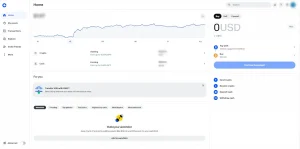
Inside Coinbase, the user should click the “Send & Receive” button. A new window will appear asking which cryptocurrency should be sent.
The user then selects the correct asset, such as Bitcoin, Ethereum or USDC. After selecting the asset, Coinbase asks for the destination wallet address.
Paste the Wallet Address and Confirm the Transfer
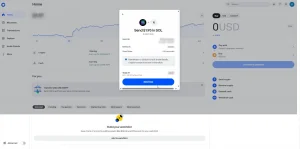
The wallet address should be pasted into the destination field. Before confirming, the user should review the amount, network and wallet address carefully.
A blockchain specialist described this issue clearly:
“The majority of failed crypto transfers happen because people rush the process. Taking an extra minute to verify the address and network can prevent a permanent loss.”
Once everything looks correct, Coinbase will display the transaction fee and ask for confirmation. The transfer is then processed by the blockchain.
| Step | Action Required | Important Check |
| 1 | Copy wallet address | Ensure it matches the cryptocurrency |
| 2 | Open Coinbase and choose Send | Select the correct coin |
| 3 | Paste address and confirm | Double-check the network |
How Can Someone Move Crypto From Coinbase to Coinbase Wallet?
Moving cryptocurrency from Coinbase to Coinbase Wallet is easier than sending to an external wallet because both accounts can be connected.
Sign In to Coinbase Wallet and Select ‘Receive’
The user should first open Coinbase Wallet and sign in. From the main screen, there is a “Receive” button that allows the wallet to receive crypto.
After selecting “Receive”, the wallet provides several methods to add funds. One of the easiest options is “Add crypto with Coinbase Pay”.
Choose Coinbase Pay and Link the Coinbase Account
After selecting Coinbase Pay, the user is asked to sign in to the Coinbase exchange account. Coinbase then requests permission to link both accounts together.
Once linked, the user can choose which cryptocurrency to move. This avoids manually copying and pasting addresses, reducing the risk of mistakes.
Transfer Cryptocurrency Directly From Coinbase
The selected cryptocurrency can then be transferred directly into Coinbase Wallet. The user simply enters the amount and confirms the transaction.
A crypto adviser explained it this way:
“People often assume Coinbase Wallet and Coinbase are the same thing, but they are not. Linking them is useful because it creates a faster and safer transfer process without relying on copied wallet addresses.”
The transfer is normally completed within a few minutes, although some cryptocurrencies may take longer if the blockchain is busy.
How Can Crypto Be Transferred Between Coinbase and the Base App?

Users who have linked Coinbase with the Base app can transfer assets in both directions. This is useful for moving cryptocurrency onto the Base network or bringing it back into Coinbase.
Send Crypto From Coinbase to the Base App
To send cryptocurrency from Coinbase to the Base app, the user should open Coinbase and select “Transfer”. After this, they choose “Send crypto”.
The next step is to select the asset and choose Base as the network. Once the connected Base wallet address appears, the amount can be entered and reviewed before pressing “Send now”.
Move Crypto From the Base App Back to Coinbase
To transfer assets back to Coinbase, the user should open the Base app and go to the Payments section. From there, the cryptocurrency and amount can be selected.
The Coinbase account email address is then entered along with the correct wallet address for that asset. Once the transfer is confirmed, the crypto is sent back to Coinbase.
What Steps Should Be Taken Before Sending Crypto From Coinbase?
Before any transfer is made, a few important checks should be completed. These checks can prevent lost funds and failed transactions.
Check Wallet Compatibility and Blockchain Network
Not every wallet supports every cryptocurrency. For example, a Bitcoin wallet cannot receive Ethereum. The receiving wallet must support the specific asset being transferred.
It is also important to choose the correct blockchain network. Sending Ethereum over the wrong network can result in the funds being inaccessible.
Verify the Wallet Address Before Sending
Wallet addresses are long and complicated, which makes typing errors common. The safest method is to copy and paste the address or scan a QR code.
Many users compare the first and last few characters of the address after pasting it. This simple check can prevent mistakes.
A blockchain consultant summarised it well:
“Selecting the wrong network is often more dangerous than entering the wrong amount. A small test transfer is usually the safest approach before sending a large balance.”
How Much Does It Cost to Move Crypto From Coinbase to a Wallet?
Coinbase normally does not charge a direct fee for sending crypto to another wallet. However, blockchain network fees still apply.
Coinbase Fees Versus Blockchain Network Fees
The network fee depends on the cryptocurrency and how busy the blockchain is. Bitcoin and Ethereum fees are often higher during periods of heavy traffic.
Coinbase displays the estimated fee before the transaction is confirmed. This gives the user the opportunity to wait if the cost appears too high.
| Cryptocurrency | Typical Network Fee | Average Transfer Time |
| Bitcoin | Medium to high | 10–60 minutes |
| Ethereum | High during busy periods | 5–30 minutes |
| USDC on Base | Usually low | Under 5 minutes |
| Litecoin | Low | 5–20 minutes |
Why ETH May Be Needed for ERC-20 Token Transfers?
ERC-20 tokens run on the Ethereum network. This means the user needs some ETH in the wallet to cover the gas fee.
Without ETH, the transfer cannot be completed even if the wallet contains the token itself. This is a common issue for people moving tokens between Coinbase and an external Ethereum wallet.
Why Might Coinbase Prevent Someone From Sending Crypto to Another Wallet?
Sometimes, Coinbase temporarily blocks or delays a transfer. This is usually done for security reasons.
Security Checks, Account Verification and the 72-Hour Delay
If Coinbase believes the transaction may be suspicious, the account may require extra verification. The user could be asked to confirm identity documents or complete two-factor authentication again.
In some cases, Coinbase imposes a 72-hour delay before the transfer is approved. This often happens when a new device is used or when there is unusual activity on the account.
Troubleshooting Transfer Restrictions
If the transfer is blocked, the user should first check the account notifications inside Coinbase. Most restrictions explain what needs to be done.
The user should also ensure there are no pending identity checks and that all account details are up to date. If the issue continues, Coinbase support may need to be contacted.
How Long Does It Take to Move Crypto From Coinbase to a Wallet?
The transfer time depends on the cryptocurrency and network. Some transfers complete in a few minutes, while others may take over an hour.
Bitcoin transactions often take longer because several confirmations are required. Ethereum and Base transfers are usually faster. Network congestion can also increase waiting times.
What Should Someone Do If a Coinbase Transfer Is Still Pending?
A pending transaction does not always mean something has gone wrong. Most pending transfers simply require additional blockchain confirmations.
Check the Blockchain Transaction Status and Network Congestion
Coinbase usually provides a transaction ID, also known as a hash. This can be copied into a blockchain explorer to see the progress of the transfer.
If the network is congested, the transfer may take longer than expected. During periods of heavy traffic, users often need to wait until more confirmations are completed.
| Problem | Possible Cause | Solution |
| Transfer pending | Network congestion | Wait for confirmations |
| Crypto not received | Wrong address or network | Check transaction details |
| Coinbase blocked transfer | Security review | Complete verification |
| Unable to send ERC-20 token | No ETH for gas fee | Add ETH to the wallet |
How Can Someone Transfer Crypto Manually Without Linking Accounts?
If Coinbase and the destination wallet are not linked, the transfer can still be completed manually. The user simply copies the receiving address from the destination wallet and pastes it into Coinbase.
This method works for Coinbase Wallet, the Base app and any external wallet. However, it requires extra care because manual transfers increase the chance of mistakes.
What Are the Best Security Tips When Moving Crypto From Coinbase to a Wallet?
Crypto transfers should always be handled carefully. Once a transaction is sent, it cannot usually be cancelled or reversed.
Double-Check Addresses and QR Codes
Wallet addresses should never be typed manually unless absolutely necessary. Copying and pasting or scanning a QR code is more accurate.
After pasting the address, the user should compare the beginning and end of the address with the original version. This simple habit can avoid major losses.
Enable Two-Factor Authentication and Use a Small Test Transaction First
Two-factor authentication adds another layer of security to the Coinbase account. This makes it harder for someone else to access the account and send funds without permission.
Before moving a large amount of cryptocurrency, it is often wise to send a small test transaction first. Once that amount arrives safely, the full balance can be transferred with more confidence.
Conclusion
Understanding how to move crypto from Coinbase to wallet is essential for anyone who wants more control over their digital assets. Whether the user is transferring to an external wallet, Coinbase Wallet or the Base app, the process is straightforward when the correct address and network are selected.
Careful checks, awareness of network fees and a small test transfer can make the process safer. By following the correct steps, users can move cryptocurrency confidently while reducing the risk of delays or mistakes.
FAQs
Can a person send Bitcoin and Ethereum to the same wallet address?
No. Bitcoin and Ethereum use different blockchain networks and require separate wallet addresses.
Is Coinbase Wallet safer than leaving crypto on Coinbase?
Coinbase Wallet offers more control because the user owns the private keys. However, it also means the user is responsible for keeping the recovery phrase safe.
Can crypto be transferred from Coinbase to a hardware wallet?
Yes. Coinbase can send cryptocurrency to hardware wallets such as Ledger or Trezor by using the hardware wallet address.
What happens if crypto is sent to the wrong network?
If cryptocurrency is sent using the wrong blockchain network, it may become inaccessible or permanently lost.
Why does Coinbase sometimes ask for identity verification again?
Coinbase may request additional verification if unusual activity is detected or if a transfer appears suspicious.
Can a crypto transfer be cancelled after it is confirmed?
No. Once the transaction has been confirmed on the blockchain, it cannot normally be reversed.
Does Coinbase support all wallets?
No. Coinbase supports many external wallets, but users should always check whether the wallet supports the specific cryptocurrency and blockchain.