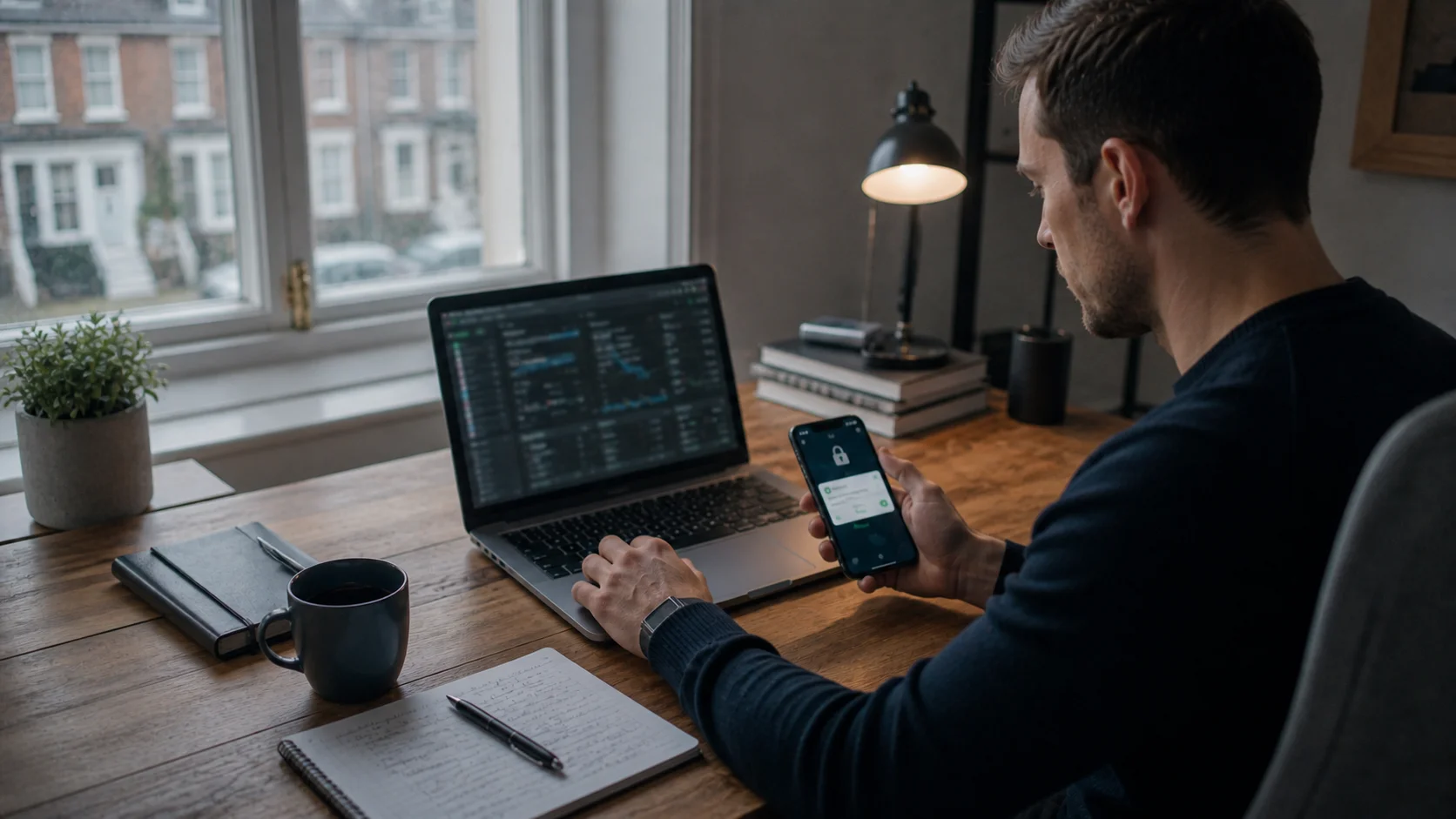



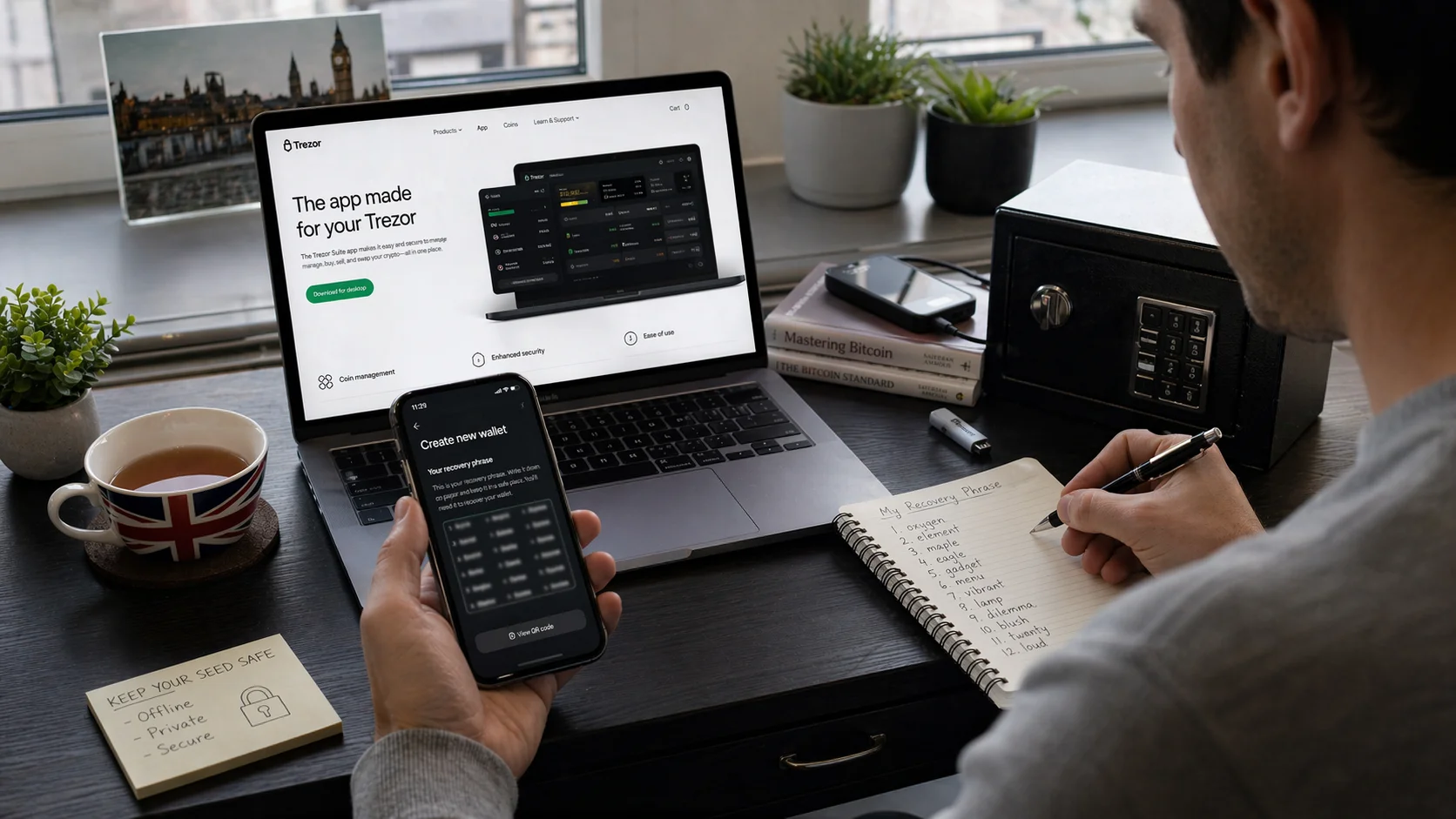
Creating a Bitcoin wallet in 2026 involves choosing a trusted wallet provider, downloading the app or software, creating an account or wallet file, and securely storing the recovery phrase and private key.
A Bitcoin wallet allows users to send, receive and store Bitcoin safely. Most beginners in the UK choose a non-custodial mobile wallet because it is quick to set up, easy to use and gives full control over funds.
Key Takeaways:
- A Bitcoin wallet can be created in less than 10 minutes.
- Non-custodial wallets give users full ownership of their Bitcoin.
- The recovery phrase is the most important part of wallet security.
- Hot wallets are easier for daily use, while cold wallets are safer for long-term storage.
- UK users in 2026 increasingly prefer mobile and hardware Bitcoin wallets.
What Is a Bitcoin Wallet and Why Is It Important in 2026?
A Bitcoin wallet is a digital tool that stores the information needed to access and manage Bitcoin. It does not physically hold Bitcoin in the same way that a traditional wallet holds money. Instead, it stores private keys and wallet addresses that connect to the blockchain.
In 2026, Bitcoin wallets have become more important than ever because more people in the UK are buying, storing and using cryptocurrency. With increased interest comes greater risk from scams, exchange failures and cyber attacks.
A personal Bitcoin wallet helps users stay in control of their digital assets instead of leaving them on a trading platform.
Bitcoin wallets are now available in several forms, including:
- Mobile wallet apps
- Desktop software wallets
- Browser-based online wallets
- Hardware wallets
- Paper wallets
Each option suits different levels of experience and security. A beginner may prefer a mobile wallet, while an investor storing larger amounts of Bitcoin may choose a hardware wallet.
What Types of Bitcoin Wallets Can Be Created?
Bitcoin wallets generally fall into two categories: hot wallets and cold wallets. Both are useful, but they work differently and are suited to different purposes.
Hot Wallets
A hot wallet is connected to the internet. This includes mobile apps, desktop wallets and online wallet services. Hot wallets are ideal for people who want quick access to Bitcoin for regular transactions.
Most new users in the UK start with a hot wallet because it is simple to install and use. Wallet apps such as Trust Wallet, Exodus and BlueWallet remain popular in 2026 because they offer fast setup and user-friendly interfaces.
Hot wallets offer several benefits:
- Easy to create and access
- Free to use in most cases
- Convenient for daily Bitcoin transactions
- Suitable for beginners
However, because they remain connected to the internet, they can be more vulnerable to hacking if not secured properly.
Cold Wallets
A cold wallet is not connected to the internet. Hardware wallets and paper wallets are the most common examples. These are often used by people who want to keep Bitcoin safe over a long period.
Cold wallets are considered more secure because hackers cannot access them remotely. A hardware wallet stores the private key offline and only connects when the user wants to approve a transaction.
| Wallet Type | Internet Connection | Best For | Security Level |
| Mobile Wallet | Yes | Everyday use | Medium |
| Desktop Wallet | Yes | Home users | Medium |
| Hardware Wallet | No | Long-term storage | High |
| Paper Wallet | No | Offline backup | High |
Which Bitcoin Wallet Is Best for Beginners in the UK?
For most beginners in the UK, a non-custodial mobile wallet is usually the best option. It combines convenience with personal control and does not require advanced technical knowledge.
A non-custodial wallet means the user controls the private key and recovery phrase. This is important because it removes the need to trust an exchange or third party with the Bitcoin.
Some of the most suitable beginner wallets in 2026 include:
- Trust Wallet
- BlueWallet
- Exodus
- Coinbase Wallet
- Electrum
These wallets are available on Android, iPhone and desktop devices. They support simple setup and often include extra features such as QR code scanning and transaction tracking.
James Howells, Cryptocurrency Security Consultant: “The biggest mistake beginners make is keeping Bitcoin on an exchange for too long. A simple non-custodial wallet gives far better control and significantly reduces the risk of losing funds.”
| Wallet | Best Feature | Suitable For | Free Version |
| Trust Wallet | Very easy mobile setup | Beginners | Yes |
| BlueWallet | Bitcoin-only focus | New Bitcoin users | Yes |
| Exodus | Attractive interface | Casual investors | Yes |
| Electrum | Advanced security options | Experienced users | Yes |
How Can Someone Create a Bitcoin Wallet Step by Step in 2026?
Creating a Bitcoin wallet is easier than many people expect. Most wallets can be set up in less than ten minutes. The process remains similar whether the user chooses a mobile, desktop or hardware wallet.
Choosing a Bitcoin Wallet Provider
The first step is choosing a trusted wallet provider. The safest approach is to use an official app or software from a recognised company. Users should always download the wallet directly from the official website or app store.
Before selecting a wallet, it is worth checking:
- User reviews
- Security features
- Whether the wallet is custodial or non-custodial
- Compatibility with mobile or desktop devices
A non-custodial wallet is usually recommended because it gives the user complete ownership of their Bitcoin.
Downloading and Installing the Wallet
Once the provider has been chosen, the next step is downloading the wallet app or software. Mobile wallets can be installed through Google Play or the Apple App Store. Desktop wallets are usually downloaded directly from the provider’s website.
After installation, the wallet will ask whether the user wants to create a new wallet or recover an existing one. Choosing “Create New Wallet” will start the setup process.
The wallet may ask the user to set a password or PIN. This adds another layer of security and helps prevent unauthorised access.
Creating a New Bitcoin Wallet
The wallet then generates a unique Bitcoin address and a recovery phrase. The Bitcoin address is used for receiving funds. It can usually be copied or shared through a QR code.
The recovery phrase is normally a sequence of 12 or 24 words. This phrase is extremely important because it allows access to the wallet if the phone, laptop or hardware device is lost.
Users should write the recovery phrase down on paper and store it somewhere secure. It should never be saved in an email, screenshot or cloud storage account.
Step 3.5: The “Restore Test” (Crucial for 2026 Security) Before adding any significant funds to your new wallet, perform a recovery test. This ensures you have written your phrase correctly and that your backup actually works.
- Copy your address: Note down your first receiving address.
- Delete the wallet: Temporarily uninstall the app or wipe the wallet from your device.
- Restore: Reinstall the app and select “I already have a wallet.” Enter your 12 or 24-word recovery phrase.
- Verify: If the restored wallet shows the exact same Bitcoin address you noted earlier, your backup is successful
Setting Up the Recovery Phrase and Private Key
The private key and recovery phrase are the heart of the wallet. If another person gains access to them, they can control the Bitcoin inside the wallet.
To stay safe, users should:
- Write the phrase on paper
- Store it in a safe place
- Keep multiple copies in separate locations
- Never share it with anyone
Sarah Bennett, Blockchain Analyst: “A recovery phrase should be treated in exactly the same way as a house key or bank PIN. Once another person has it, there is no practical way to reverse the damage.”
Verifying the Bitcoin Wallet Address
After setup is complete, the wallet displays the Bitcoin address. This is the address that can be used to receive Bitcoin from another person or exchange.
It is important to check the address carefully before using it. Many users send a small test amount first to confirm everything is working correctly.
Wallet addresses are long strings of letters and numbers. Most wallet apps now use QR codes to reduce the chance of errors.
What Information Is Needed to Set Up a Bitcoin Wallet?
Most Bitcoin wallets require very little information. In many cases, no personal details are needed at all. A non-custodial wallet can often be created with nothing more than a device and an internet connection.
Typically, the setup process only requires:
- A smartphone, computer or hardware wallet
- A secure password or PIN
- The creation of a recovery phrase
Some custodial wallets and exchange-based wallets may ask for additional details such as:
- Full name
- Email address
- Phone number
- Identity verification
This is because they follow financial regulations in the UK. However, many people in 2026 prefer non-custodial wallets because they offer greater privacy and independence.
How Can a Bitcoin Wallet Be Secured Against Theft or Loss?
Wallet security is one of the most important parts of creating a Bitcoin wallet. Even the best wallet can become unsafe if the user does not protect it properly.
The simplest and most effective method is to back up the recovery phrase and keep it offline. A second layer of protection comes from using a strong password or PIN.
Other important security measures include:
- Enabling two-factor authentication where available
- Keeping software updated
- Avoiding public Wi-Fi when using the wallet
- Using antivirus software on computers
- Storing larger amounts of Bitcoin in a hardware wallet
| Security Method | Purpose | Recommended in 2026 |
| Recovery Phrase Backup | Restores lost wallet | Yes |
| Two-Factor Authentication | Protects account access | Yes |
| Hardware Wallet | Secures larger amounts | Yes |
| Public Wi-Fi Avoidance | Prevents interception | Yes |
Michael Turner, Cybersecurity Specialist: “Most Bitcoin thefts happen because users ignore basic security steps. A strong password, offline backup and hardware wallet can prevent the majority of attacks.”
How Do Bitcoin Wallet Addresses and Private Keys Work?
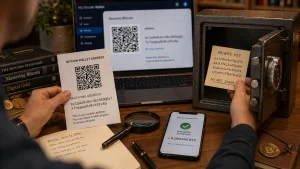
A Bitcoin wallet address is similar to a bank account number. It is shared with others when the user wants to receive Bitcoin. The address is safe to share because it cannot be used to access the funds directly.
The private key is different. It works more like the password to the account. The private key proves ownership of the Bitcoin and allows the user to send it to another address.
When a wallet is created, the software automatically generates both the public address and the private key. The recovery phrase is simply a readable version of the private key.
If the private key is lost, access to the Bitcoin may be lost forever. If the private key is stolen, the Bitcoin can be taken immediately.
For this reason, many modern wallets hide the private key from the user unless it is specifically requested. This helps reduce mistakes and keeps the wallet more secure.
How Can Bitcoin Be Sent and Received Using a Wallet?
Receiving Bitcoin is usually very simple. The wallet provides a Bitcoin address or QR code. Another person can use this information to send Bitcoin directly to the wallet.
To receive Bitcoin, the user only needs to:
- Open the wallet
- Select “Receive”
- Copy the address or QR code
- Share it with the sender
Sending Bitcoin requires a few more steps. The user must enter the recipient’s address, choose the amount and confirm the transaction.
Before sending, it is always wise to double-check the address. Bitcoin transactions cannot usually be reversed once confirmed on the blockchain.
Users should also be aware of transaction fees. The fee changes depending on network activity. In busy periods, fees may be slightly higher.
What Are the Common Mistakes to Avoid When Creating a Bitcoin Wallet?
Many problems with Bitcoin wallets happen because users rush through the setup process or fail to understand the basics.
One of the most common mistakes is storing the recovery phrase on a phone or computer. If the device is hacked, the phrase may be stolen.
Other common mistakes include:
- Downloading fake wallet apps
- Using weak passwords
- Sharing the recovery phrase
- Sending Bitcoin to the wrong address
- Keeping large amounts in a hot wallet
The following table highlights the main advantages and disadvantages of different wallet options.
| Wallet | Best For | Key 2026 Feature | Security Type |
| BlueWallet | Bitcoin Purists | Native Lightning Network support for instant, low-fee UK payments. | Non-Custodial |
| Proton Wallet | Privacy & Ease | Integrated “Bitcoin via Email” to avoid using complex wallet addresses. | Non-Custodial |
| Exodus | Casual Investors | Built-in exchange and support for 250+ other digital assets. | Non-Custodial |
| Electrum | Advanced Users | Support for “Watch-Only” wallets and cold-storage signing. | Non-Custodial |
Why Are More UK Users Choosing Non-Custodial Bitcoin Wallets in 2026?
More people in the UK are moving away from exchange-based wallets and choosing non-custodial options. The main reason is control. A non-custodial wallet gives the user direct ownership of their Bitcoin.
This trend has become stronger after several well-known cryptocurrency platforms experienced security problems and withdrawal restrictions in recent years. Users increasingly prefer to keep their own recovery phrase rather than rely on another company.
Non-custodial wallets also provide greater privacy. Most of them do not require lengthy registration or identity checks. This appeals to users who value independence and security.
At the same time, wallet apps in 2026 have become easier to use. Even beginners can now create a secure wallet without needing technical knowledge.
What Are the Best Bitcoin Wallet Features to Look for in 2026?
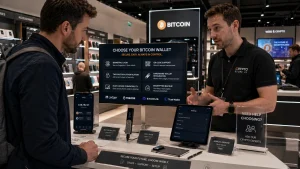
The best Bitcoin wallets in 2026 offer more than just storage. They include features that improve security, convenience and usability.
Important features include:
- Non-custodial control
- Recovery phrase backup
- QR code support
- Biometric login
- Two-factor authentication
- Multi-device compatibility
Some advanced wallets now also offer:
- Support for multiple cryptocurrencies
- In-app exchange functions
- Connection to hardware wallets
- Fee customisation
- Dark mode and accessibility settings
When choosing a wallet, the user should think about how they plan to use Bitcoin. A casual user may prefer simplicity, while a long-term investor may focus more on security.
What Technical Standards Should Your 2026 Wallet Support?
When creating your wallet, ensure it supports these modern standards to keep fees low and security high:
- Bech32 (Native SegWit): Ensure your wallet creates addresses starting with bc1. These offer the lowest transaction fees on the network.
- BIP39 Compatibility: This standard ensures that your recovery phrase will work on other wallet brands if your current provider disappears.
- Open-Source Code: Only use wallets whose code is public and audited by the community to ensure there are no hidden “backdoors”.
Conclusion
Creating a Bitcoin wallet in 2026 is straightforward, but choosing the right type of wallet and protecting it properly is essential. Most UK users begin with a non-custodial mobile wallet because it is simple, fast and secure.
The most important step is keeping the recovery phrase safe, as it is the only way to restore access if the wallet is lost. Whether using a hot wallet for convenience or a hardware wallet for long-term storage, understanding the basics of Bitcoin wallet security helps users stay in control of their cryptocurrency.
FAQ
How long does it take to create a Bitcoin wallet?
Most Bitcoin wallets can be created in less than ten minutes. Mobile wallets are usually the quickest because they only require an app download and basic setup.
Can a Bitcoin wallet be created without ID verification?
Yes. Most non-custodial wallets do not require any ID verification. They can be created anonymously with only a password and recovery phrase.
Is it safe to keep Bitcoin in a mobile wallet?
A mobile wallet is safe for smaller amounts of Bitcoin if it is secured with a strong password and recovery phrase. For larger amounts, a hardware wallet is usually safer.
What happens if the recovery phrase is lost?
If the recovery phrase is lost and the device stops working, access to the Bitcoin may be lost permanently. There is usually no way to recover it.
Can more than one Bitcoin wallet be created?
Yes. A person can create multiple Bitcoin wallets for different purposes, such as one for daily spending and another for long-term storage.
Are Bitcoin wallets free to use?
Most mobile and desktop Bitcoin wallets are free. Hardware wallets are different because they must be purchased separately.
Which Bitcoin wallet is most secure in 2026?
A hardware wallet is generally considered the most secure option because it stores the private key offline and away from internet threats.